PassMic
Wireless Classroom Microphone System
Project Overview
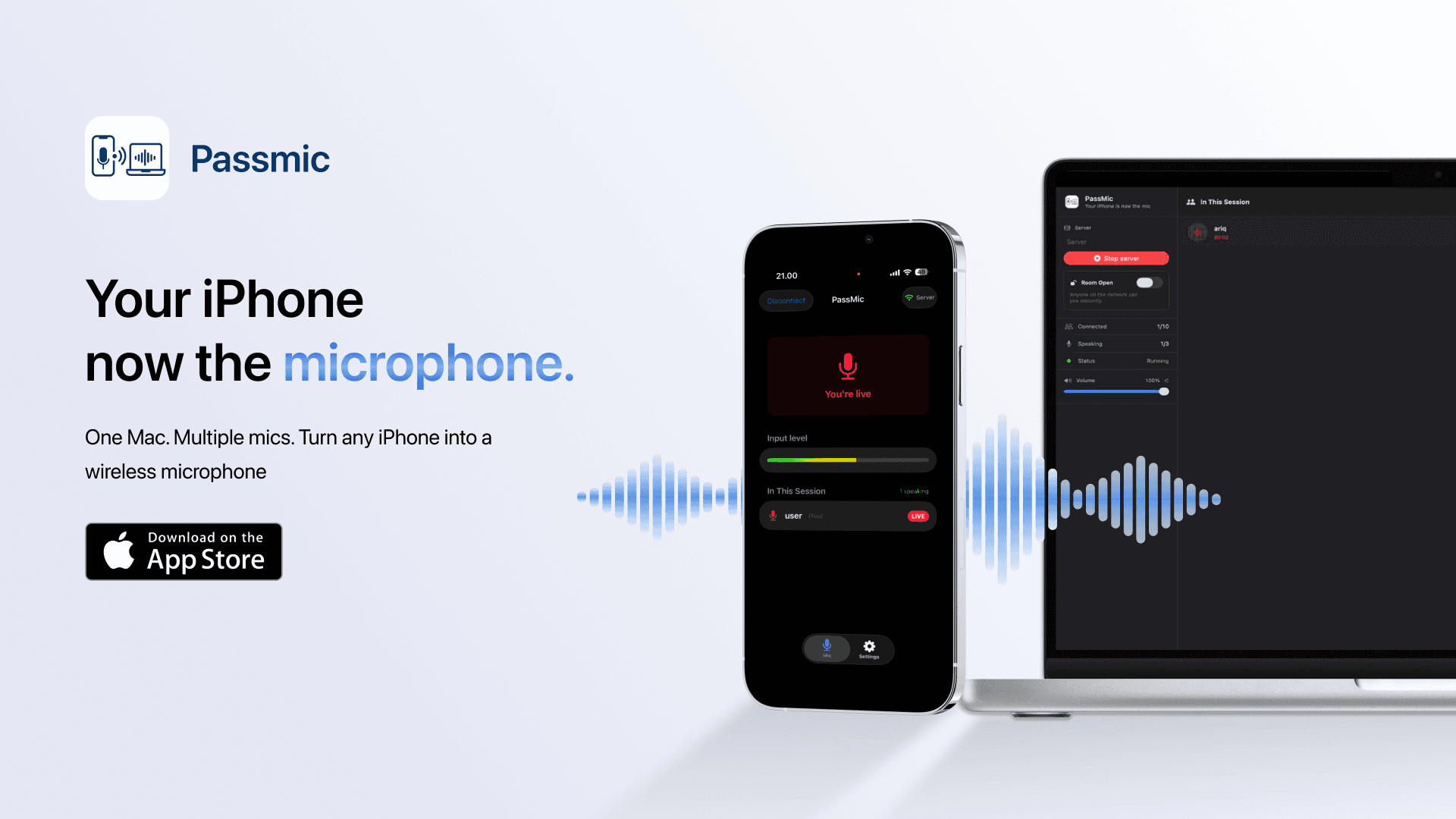
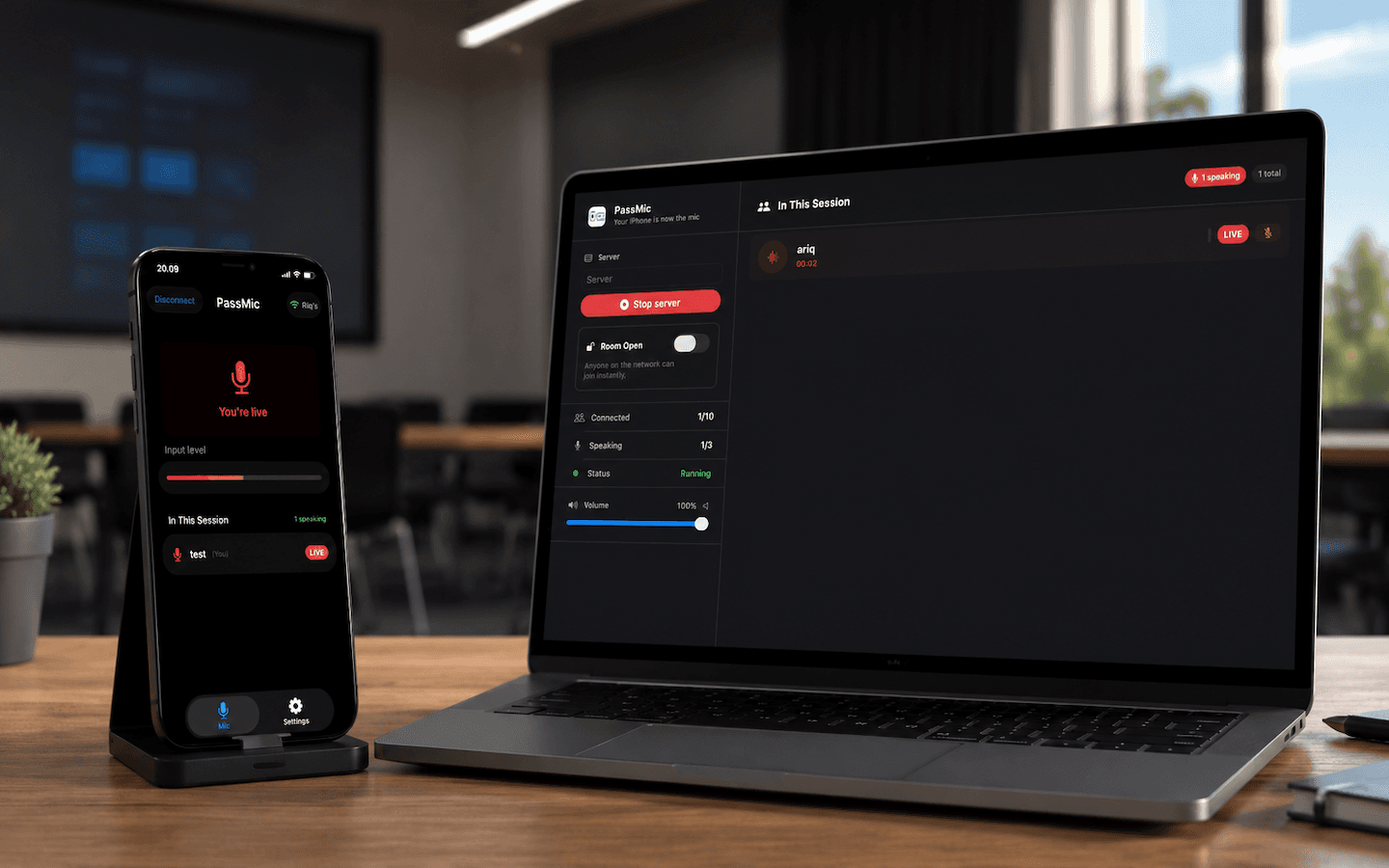
Passmic is a wireless microphone system that turns any iPhone into a microphone for Mac, designed specifically for classrooms, workshops, and lecture halls. The app lets students digitally raise their hand in a queue while teachers control who speaks from their Mac. Real-time audio streams over local WiFi , delivering crisp audio quality for presentations and class discussions. No internet connection or additional hardware is required, just local WiFi. This system is ideal for modern education where student participation matters but physical microphones are expensive or impractical. PassMic offers an easy, affordable, and hygienic solution for voice amplification in the classroom.
Key Features
Real time Audio Streaming
Ultra low latency (~50ms) audio streaming using the Opus codec with 16kHz mono quality, optimized for speech with an efficient ~32kbps bitrate.
Queue Management System
Fair FIFO queue system students raise their hand digitally, teachers control who speaks, and all clients stay in sync with real-time state changes.
Zero Configuration Setup
Automatic server discovery via Bonjour/mDNS no manual IP address or port configuration needed. Connect to the same WiFi and discover instantly.
Virtual Audio Device
HAL plugin integration that makes iPhone audio appear as an input device on Mac, compatible with Zoom, Teams, OBS, and other audio applications.
Privacy First Design
Local network only no internet connection, no recording, no cloud storage. Audio streams in real time and is never stored.
Impact & Outcomes
- •Successfully achieved ~50ms latency imperceptible for classroom use with crisp audio quality
- •Zero configuration networking via Bonjour that works seamlessly in school WiFi environments
- •Reliable queue system supporting 10+ concurrent students with full admin controls
Technical Challenges
Ultra-Low Latency Audio Pipeline
Designing an audio pipeline with a total end-to-end latency budget of ~50ms, including encoding (20ms), WiFi transmission (~5ms), decoding (1ms), and a ring buffer (20ms) for jitter handling without audio glitches.
Binary Wire Protocol Design
Implementing a dual mode protocol JSON for control messages and a binary format for audio frames (magic byte 0xAF) to avoid JSON parsing overhead on the audio hot path, maintaining optimal performance.
Network Jitter & Packet Loss Handling
Building a ring buffer system on Mac to absorb network jitter and implementing a zero-padding strategy for under-runs to keep them inaudible, plus sequence tracking to detect packet loss.
CoreAudio HAL Plugin Architecture
Integrating a Virtual Audio Device as a native macOS HAL plugin that appears as a system-wide audio input device, compatible with all audio applications without patching.